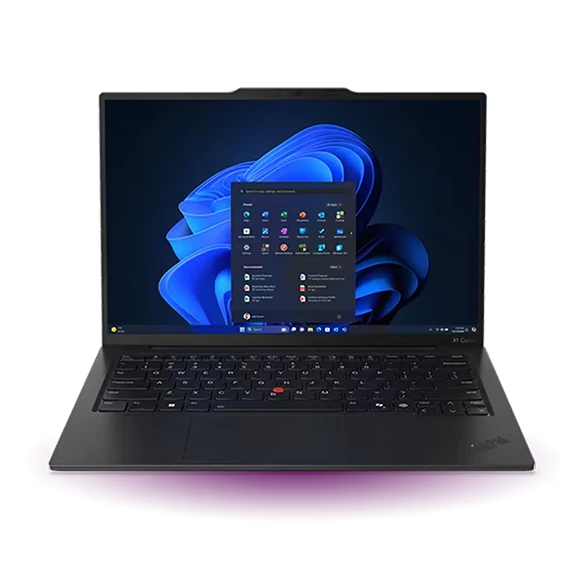
Lightweight laptops for thesis writing, PDF markup and seminar notes
The 13-inch MacBook Air M5 is our first choice for a keyboard-first thesis built around drafts, PDFs and an external monitor. If handwritten annotation is part of every seminar, Microsoft’s 12-inch Surface Pro and the separately sold Slim Pen change the comparison. The Lenovo Yoga Slim 7i Ultra suits students who want a light Windows clamshell with a 14-inch page.
Which lightweight laptops are good for graduate students? A writer needs to move an observation from the margin of one paper into a cited passage of their own. Follow that short journey before paying for a premium processor or a detachable keyboard.
The shortlist
Apple MacBook Air 13-inch (M5)
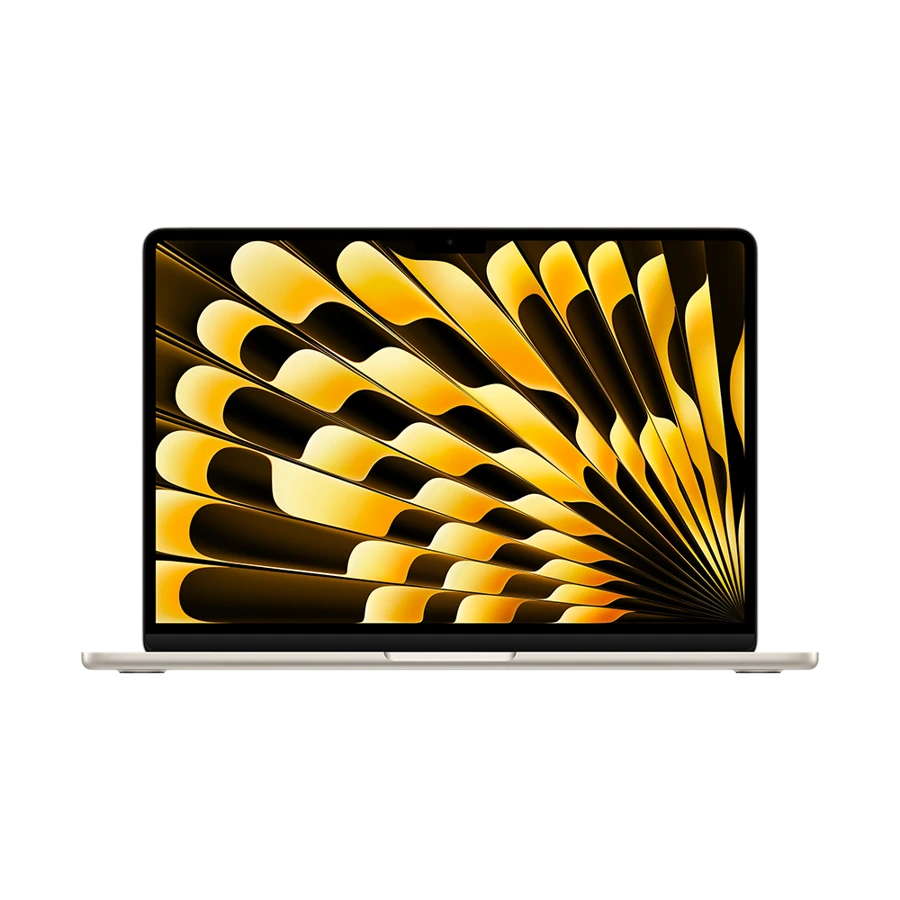
A 13.6-inch display works for a single document on a campus desk, and Apple documents support for two external displays alongside the built-in screen. Back at home, leave the bibliography and source PDF on a second screen while the draft stays in front of you. The base M5 Air pairs 16 GB memory with a 512 GB SSD, a useful starting point for years of drafts and scanned readings.
Rehearse your department’s final hand-in with the actual software. Export a short chapter to PDF, then inspect embedded figures, an accented name in the bibliography and a reference to an appendix. Tool compatibility at this last stage matters more to a writer than an unused performance feature.
- What works
- Strong fit for a student who alternates between a compact campus desk and external displays.
- What to weigh
- The display is keyboard-and-trackpad oriented. Direct pen annotation calls for another device or a different form factor.
Microsoft Surface Pro 12-inch (12th Edition)
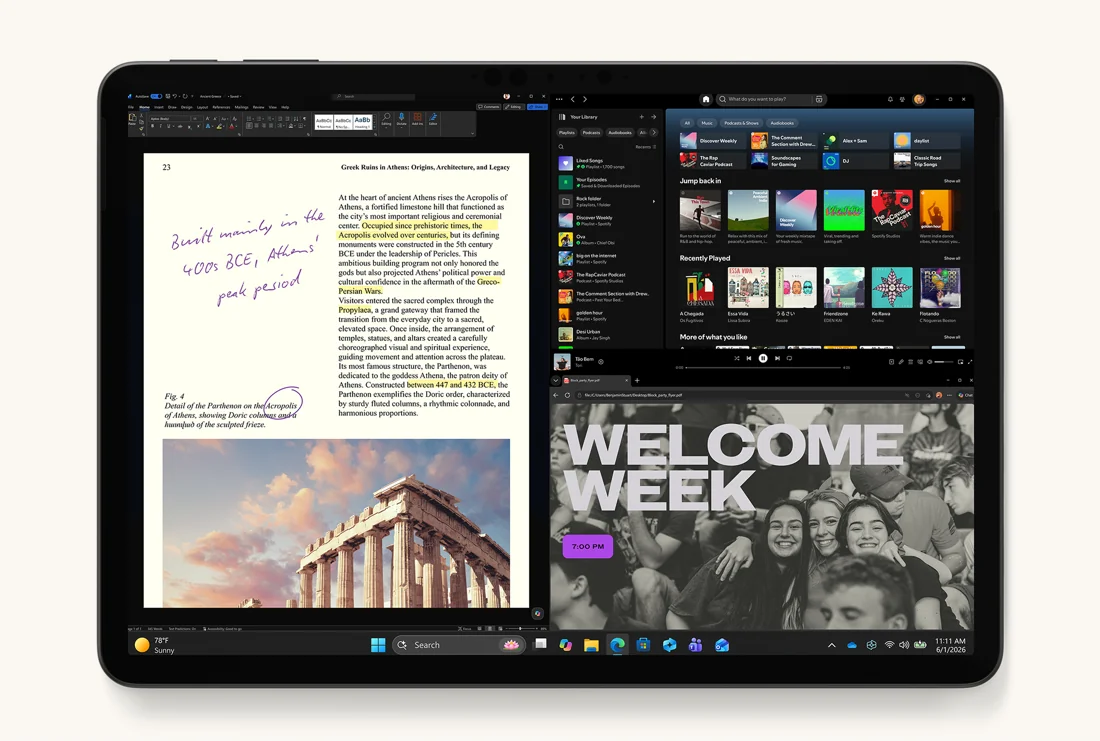
The 12-inch Surface Pro 12th Edition has a 3:2 touchscreen. Its more page-like proportions and support for Surface Slim Pen make sense if you regularly underline passages, sketch diagrams and return to the same marked page during discussion. Microsoft lists 686 g before accessories. For a real writing kit, count the 12-inch keyboard, pen and charger separately.
A detachable also asks more of the desk. The kickstand needs support behind the screen, especially with the keyboard attached. Re-create the size of your smallest lecture-hall writing surface before committing to it as your only machine. On Arm-based Windows, check the reference-manager plugin and the institution’s exam or access software as well.
- What works
- A single device can handle page annotation, diagrams and a typed draft.
- What to weigh
- Keyboard and pen are separate purchases, and the bare-device weight excludes both.
Lenovo Yoga Slim 7i Ultra Aura Edition
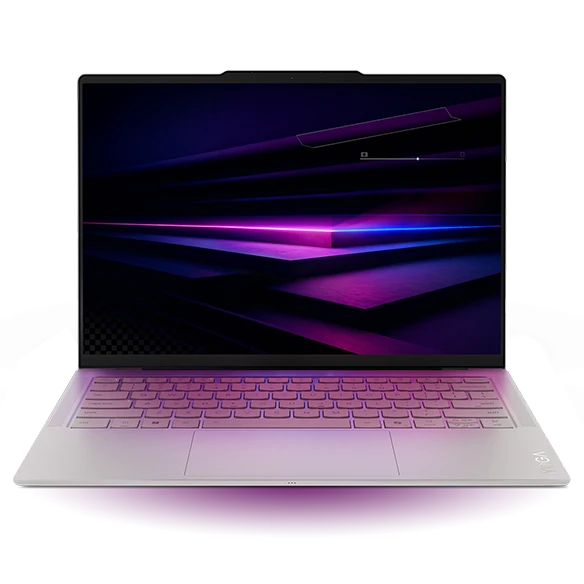
For a student who annotates by typing comments and copying citations, the Yoga’s 14-inch 2880 × 1800 OLED gives the PDF viewer room without starting above one kilogram. On a bright campus, bring up a dense, grayscale reading at your preferred text scale. A high pixel count is only useful when the text size and reflections work in the room you normally occupy.
The Yoga is a conventional clamshell. Do not infer detachable-tablet handling or a pen workflow from a listing for a touch configuration. Its strength is carrying a permanent keyboard between desks. At a home desk, one Thunderbolt socket can serve a supported monitor while a second takes an external drive for an independently recoverable copy.
- What works
- A 14-inch document view and integrated keyboard in a very light Windows design.
- What to weigh
- For handwritten margin notes, verify the exact device and input support before paying for a touch configuration.
Apple MacBook Neo 13-inch (A18 Pro)
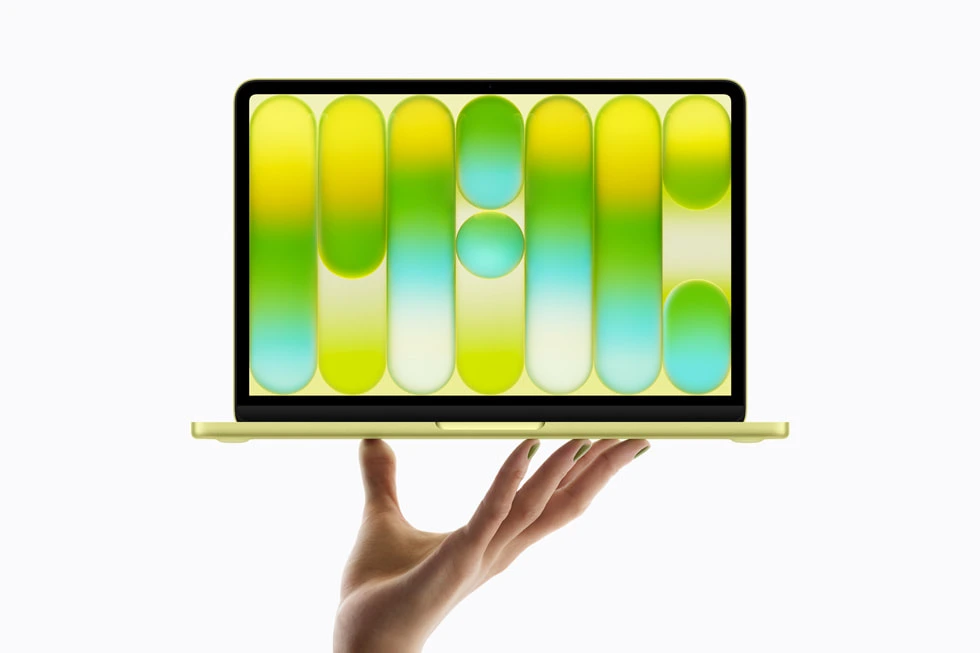
MacBook Neo is a proportionate choice when the work consists of documents, a reference library and ordinary web research. Its 13-inch display is complemented by support for one external monitor up to 4K at 60 Hz via the USB 3 socket. One good external screen often does more for a thesis desk than extra internal display features.
Plan a practice session with the sources and tabs you actually keep open. The Neo has 8 GB unified memory, and a large collection of scanned PDFs, OCR jobs and browser tabs can create a less comfortable working set. If a thesis also involves local data analysis or media editing, the M5 Air offers a wider range of memory configurations.
- What works
- Provides a straightforward Mac writing station with one external display.
- What to weigh
- Fixed 8 GB memory and one external display limit how far the setup can expand.
Specifications at a glance
| Model | Listed weight | Screen | Platform | Wired connections |
|---|---|---|---|---|
| MacBook Air 13-inch (M5) | 1.23 kg | 13.6-inch IPS | Apple M5 · macOS | MagSafe 3, two Thunderbolt 4, headphone jack |
| Surface Pro 12-inch | 0.686 kg before keyboard | 12-inch touch, 3:2 | Snapdragon X2 Plus · Windows on Arm | Two USB-C 3.2 |
| Yoga Slim 7i Ultra | From 0.975 kg | 14-inch OLED | Intel · Windows | Three Thunderbolt 4 |
| MacBook Neo | 1.23 kg | 13-inch IPS | Apple A18 Pro · macOS | One USB 3 and one USB 2, both USB-C |
Weights are manufacturer figures for the specified configurations. Chargers, sleeves and separate keyboards add to the bag weight.
Try a real chapter and a difficult PDF
Open a page with two columns and a footnote. At a comfortable zoom, note whether you need to pan every line. Now create a comment, close the file and reopen it on another approved device. Check the note, the page reference and whether the citation manager opens the right edition. These small actions reveal more about an annotation workflow than an empty document in a shop.
We prioritized a readable page, a suitable input method and a clean path to the final document. The keyboard-first and pen-first recommendations diverge deliberately. Take a writing kit to the library just as you will use it, including everything required to type, charge and back up the day’s work.
A three-stage thesis rehearsal
Your needs can change between collecting readings and submitting the final archive. Check the next stage even if the first semester looks simple.
| Stage | Try before you buy | Feature that can change the choice |
|---|---|---|
| Literature review | Mark and export a sample chapter | Direct pen input or reliable typed comments |
| Drafting | Type a full page beside a source | Keyboard comfort and external display support |
| Submission | Generate a PDF with figures and references | Working plugins, fonts and a recoverable backup |
Buying questions
Is a detachable better than a laptop for graduate school?
A detachable is particularly useful when handwriting is part of the material, such as equations or diagrams in a seminar. For a student who mostly types and takes notes on a crowded lap, an integrated keyboard and stable base may be the more comfortable choice.
Will a bigger SSD replace a backup drive or approved cloud storage?
It gives the laptop more room, but all of those files still share one failure point. Keep a second recoverable copy in a location permitted by the university. Test the restore on a small chapter before the submission week.
Sources and configurations
- Apple 13-inch MacBook Air with M5 technical specifications ↗
- Microsoft Surface Pro 12-inch and 13-inch technical specifications ↗
- Microsoft guidance on Windows on Arm software and drivers ↗
- Lenovo specifications for the Yoga Slim 7 Ultra 14IPH11 ↗
- Lenovo Yoga Slim 7i Ultra user guide ↗
- Apple MacBook Neo technical specifications ↗