Lightweight laptops for graduate research with data, field notes and lab hardware
For graduate research that mixes interviews, statistics and instrument downloads, start with the Lenovo Yoga Slim 7i Ultra Aura Edition if heavier analysis has to run locally on Intel Windows. Choose the ThinkPad X1 Carbon Gen 13 when connecting a recorder or instrument directly matters more than minimizing the chassis. For a Mac-native research group, the M5 MacBook Air is a serious third option.
Which lightweight laptops are good for graduate students? Begin with one experiment from your actual department. A laptop that opens a spreadsheet may still fail at importing the instrument file, running an extension or presenting the results without a network connection.
The shortlist
Lenovo Yoga Slim 7i Ultra Aura Edition
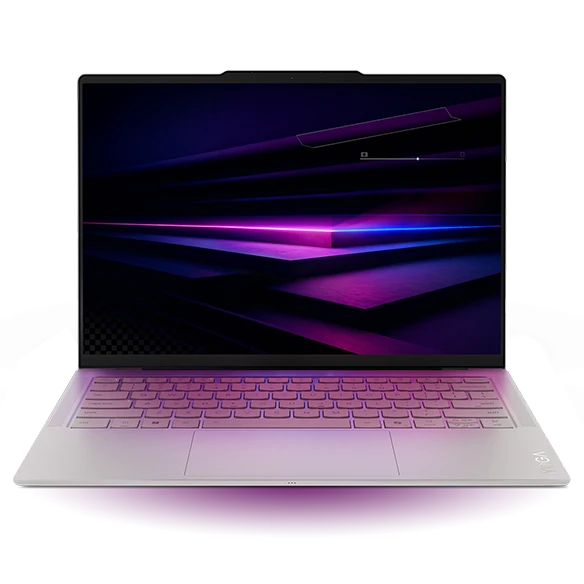
The 14IPH11 Yoga combines an Intel Windows platform with soldered LPDDR5X memory. Lenovo lists 32 GB and 64 GB configurations in the platform datasheet. For a student running an analysis notebook, a browser and a reference library together, that capacity is a practical reason to look at this machine. Buy the needed memory at order time because there is no memory slot to populate later.
Ask your supervisor for a representative anonymized dataset. Examine peak memory while importing, transforming and exporting it on a lab machine. A compressed file on disk can occupy several times its file size in memory, and intermediate copies matter. The research group’s measured peak is a better purchasing input than an abstract label such as “data science laptop.”
- What works
- Higher-memory configurations are available in an Intel clamshell starting below 1 kg.
- What to weigh
- There is no native USB-A. Attach a legacy data logger through a suitable adapter only after validating its driver.
Lenovo ThinkPad X1 Carbon Gen 13 Aura Edition
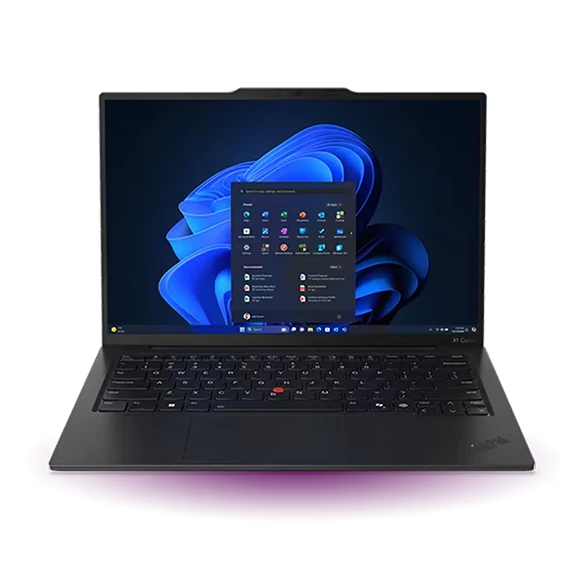
An instrument bench can have a USB-A capture unit, a flash drive used for transfers and a shared display with an HDMI lead. The X1 Carbon accepts all three without a dock. On a desk where a cable gets moved between two or three students, that simplifies troubleshooting and makes it easier to reproduce a colleague’s working setup.
For a concrete order example, Lenovo lists 32 GB soldered memory on part number 21NS0166US. Copy the part number to the purchase request if that is the configuration you intend. The family name alone can lead to a different panel, memory size or camera when the department shops through its supplier.
- What works
- Two native USB-A connections and HDMI reduce the number of changes to a known lab setup.
- What to weigh
- Neither a physical USB fit nor an Intel processor approves an old driver. Consult the lab technician about OS versions.
Apple MacBook Air 13-inch (M5)
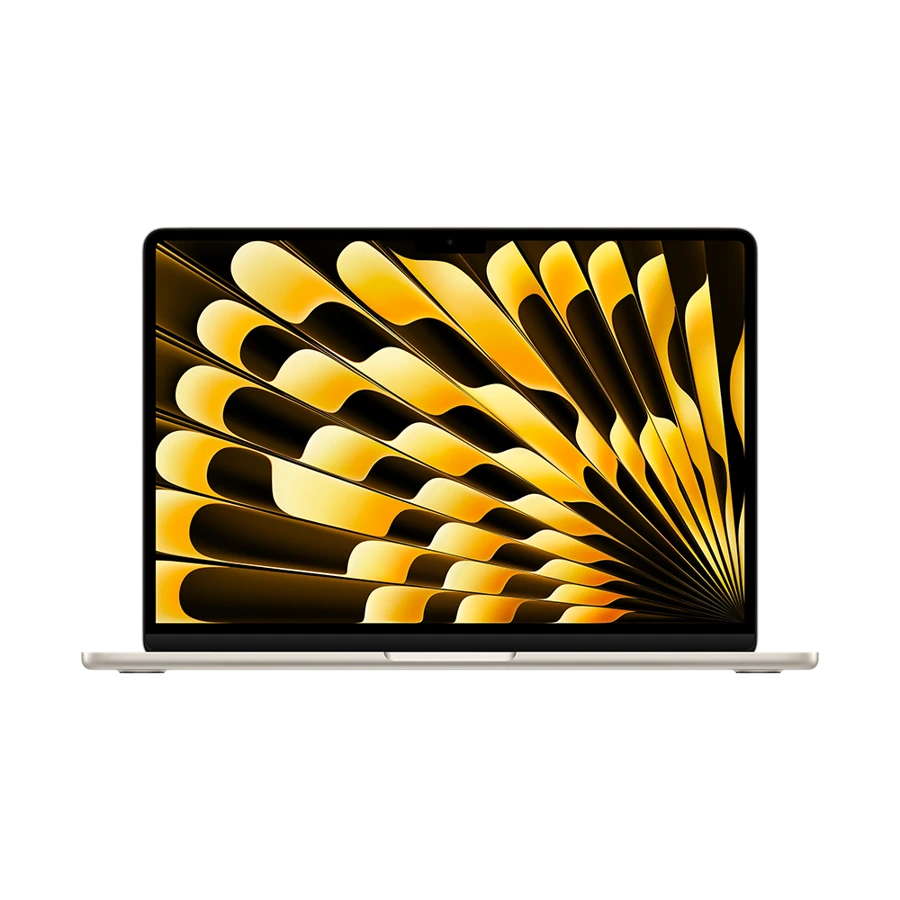
The M5 Air starts with 16 GB unified memory and a 512 GB SSD, with memory configurable to 24 GB or 32 GB. It is appealing for a group whose analysis scripts, package versions and instrument-data exports already run on Apple silicon. Sharing a known environment can save more time than a small improvement in peak speed.
A field interview produces more than a recording. The project may also have a transcript, translation, coding file and a working audio copy. Budget storage for all five and make a separate approved backup. If a required acquisition tool belongs on a Windows workstation, decide explicitly how you will move approved data from that machine to the Mac.
- What works
- Offers a consistent platform for groups already developing and documenting on current Macs.
- What to weigh
- Specialist acquisition software, USB drivers and lab licenses need a macOS-specific check.
ASUS Zenbook A14 (UX3407)
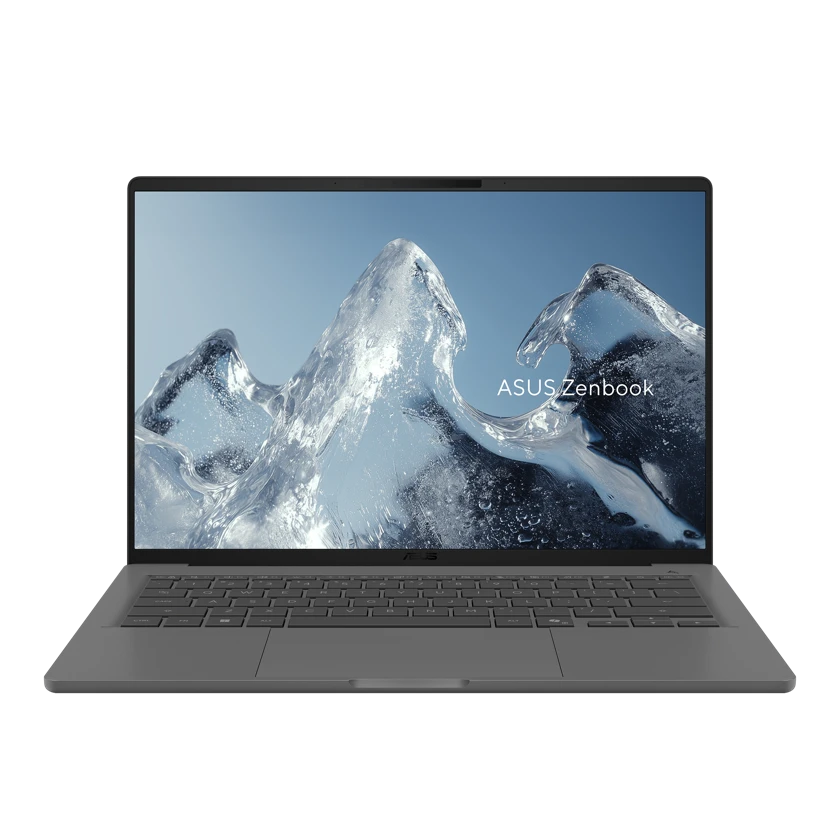
The A14 can serve as a light Windows front end when most computation runs on a university server and the student works through a browser or remote session. Its HDMI and USB-A connections are convenient for a department seminar or a shared desk. Check the exact UX3407 SKU for weight and display because the family spans several builds.
The deciding question is what happens when a network disappears in the field. If you still need to run a hardware driver or collect new samples locally, ask the vendor about Arm64 support. Windows application emulation and the driver used by a scientific instrument are separate layers. A functioning remote session proves only one half of a field workflow.
- What works
- Good physical connectivity for a primarily browser or remote-compute workflow.
- What to weigh
- Required instrument, VPN or license-device drivers must support Windows on Arm.
Specifications at a glance
| Model | Listed weight | Screen | Platform | Wired connections |
|---|---|---|---|---|
| Yoga Slim 7i Ultra | From 0.975 kg | 14-inch OLED | Intel · Windows | Three Thunderbolt 4 |
| ThinkPad X1 Carbon Gen 13 | From 0.986 kg on select configurations | 14-inch, panel varies | Intel · Windows | HDMI, two USB-A, two Thunderbolt 4 |
| MacBook Air 13-inch (M5) | 1.23 kg | 13.6-inch IPS | Apple M5 · macOS | MagSafe 3, two Thunderbolt 4, headphone jack |
| Zenbook A14 | From 0.98 kg, SKU dependent | 14-inch OLED, SKU dependent | Snapdragon · Windows on Arm | HDMI, USB-A, two USB4 |
Weights are manufacturer figures for the specified configurations. Chargers, sleeves and separate keyboards add to the bag weight.
Walk a sample from acquisition to publication
Ask a colleague to demonstrate five steps with a department-approved test file. Acquire or import the file, reopen the saved result, apply the standard transformation, regenerate one chart and export the chart in the format your group submits. Note which steps require an external device, licensed software, significant memory or a stable network.
Our selection gives priority to a documented working path. The Yoga scores well where the student needs memory in an Intel Windows laptop. The ThinkPad gets priority where instruments attach directly. The M5 Air moves to the front for an established Mac-based lab, and the A14 depends on an available remote environment. A large local GPU workload belongs in a separate workstation decision.
A provisioning worksheet to take to the supervisor
A useful purchasing discussion records who owns each dependency. The student can test a script, but the laboratory may control the instrument computer and the department may own the license server.
| Job | Evidence to collect | Purchase implication |
|---|---|---|
| Instrument acquisition | Device model, OS and supported driver | Choose the platform after the driver |
| Local analysis | Peak memory on a real sample | Size onboard memory before purchase |
| Remote compute | Off-campus access and recovery path | Test login and a disconnected session |
| Field backup | Approved media and restore process | Include storage and adapters in the budget |
Buying questions
Is 16 GB enough for a graduate research laptop?
It can be sufficient for writing, small analyses and a remote desktop. For local research, first measure an actual job with the other software you expect to leave open. Dataset size, temporary objects and parallel workers can produce a very different result from reading the file size alone.
Should a student with access to a computing cluster buy the lightest option?
Only when the upload, authentication and offline paths work. A cluster can run a model, but it cannot connect the student’s field instrument to an incompatible driver or recover files that were never uploaded. Test those steps before prioritizing weight.
Sources and configurations
- Lenovo specifications for the Yoga Slim 7 Ultra 14IPH11 ↗
- Lenovo Yoga Slim 7i Ultra user guide ↗
- Lenovo ThinkPad X1 Carbon Gen 13 Aura Edition platform specifications ↗
- Lenovo ThinkPad part number 21NS0166US ↗
- Apple 13-inch MacBook Air with M5 technical specifications ↗
- ASUS Zenbook A14 UX3407 U.S. configuration comparison ↗
- Microsoft guidance on Windows on Arm software and drivers ↗