Lightweight laptops for business travelers presenting in client meeting rooms
The ThinkPad X1 Carbon Gen 13 Aura Edition is our pick for a sales or training team visiting unfamiliar rooms. Its built-in HDMI and USB-A connections handle a projector cable and a slide remote together. For regular visits to rooms equipped with USB-C displays, the lighter-starting Lenovo Yoga Slim 7i Ultra Aura Edition makes better use of the same space in the bag.
Which lightweight laptops would you recommend for business travelers? For a presenter, the answer depends on the cable waiting at the lectern. Here is how four models handle a room where the screen, sound and remote all belong to someone else.
The shortlist
Lenovo ThinkPad X1 Carbon Gen 13 Aura Edition
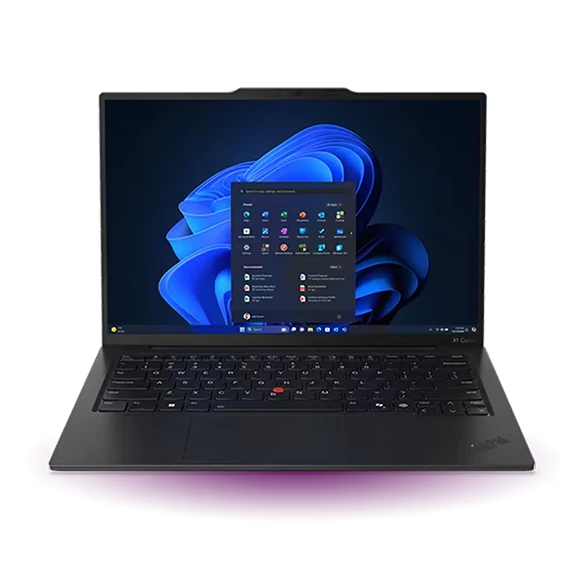
A client sends the address and a start time but cannot tell you the make of the projector. The X1 Carbon gives you two useful fallbacks before you open an accessory pouch. HDMI goes straight to the display, while the receiver for a wireless presenter fits a USB-A port. Two Thunderbolt ports remain available for power or a modern conference-room dock.
Lenovo lists HDMI output up to 4K at 60 Hz for this generation. That is ample for a conventional slide deck, although the projector and intervening switch may negotiate a lower mode. A 1080p version of a video stored alongside the slides gives the room technician a simpler option than streaming a 4K clip over guest Wi-Fi.
- What works
- Native HDMI and USB-A serve the two accessories frequently supplied on site.
- What to weigh
- The starting weight applies to selected builds. Ask purchasing for the exact model number and display.
Lenovo Yoga Slim 7i Ultra Aura Edition
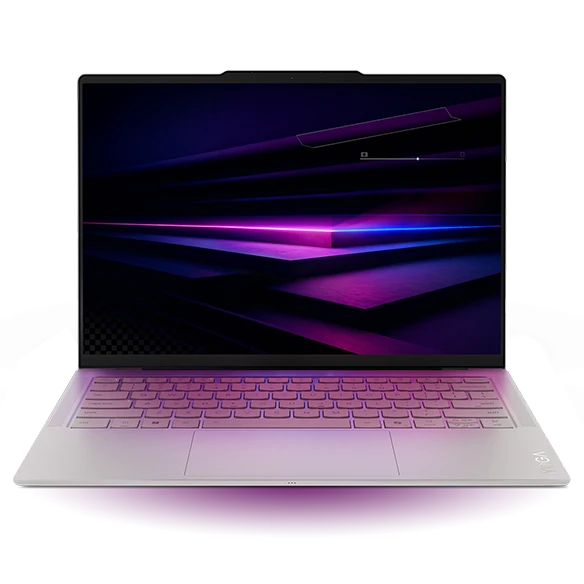
When every office in your rotation has the same USB-C monitor, the Yoga is an attractive 14-inch Windows machine. Its three Thunderbolt 4 sockets give the monitor, a USB-C SSD and a charger separate homes. With sockets on both sides, the display cable can approach from the lectern without crossing your keyboard.
A hotel ballroom is the exception. A plain HDMI lead has nowhere to go directly. Pack a USB-C display adapter that you have already tried with the laptop, and add a USB-A socket if the presenter remote needs one. A cheap charging-only cable in the spare pouch provides no video fallback.
- What works
- A 975 g starting weight and three versatile ports suit a repeated, known setup.
- What to weigh
- A direct HDMI projector connection and a USB-A receiver each require the right adapter.
Apple MacBook Air 13-inch (M5)
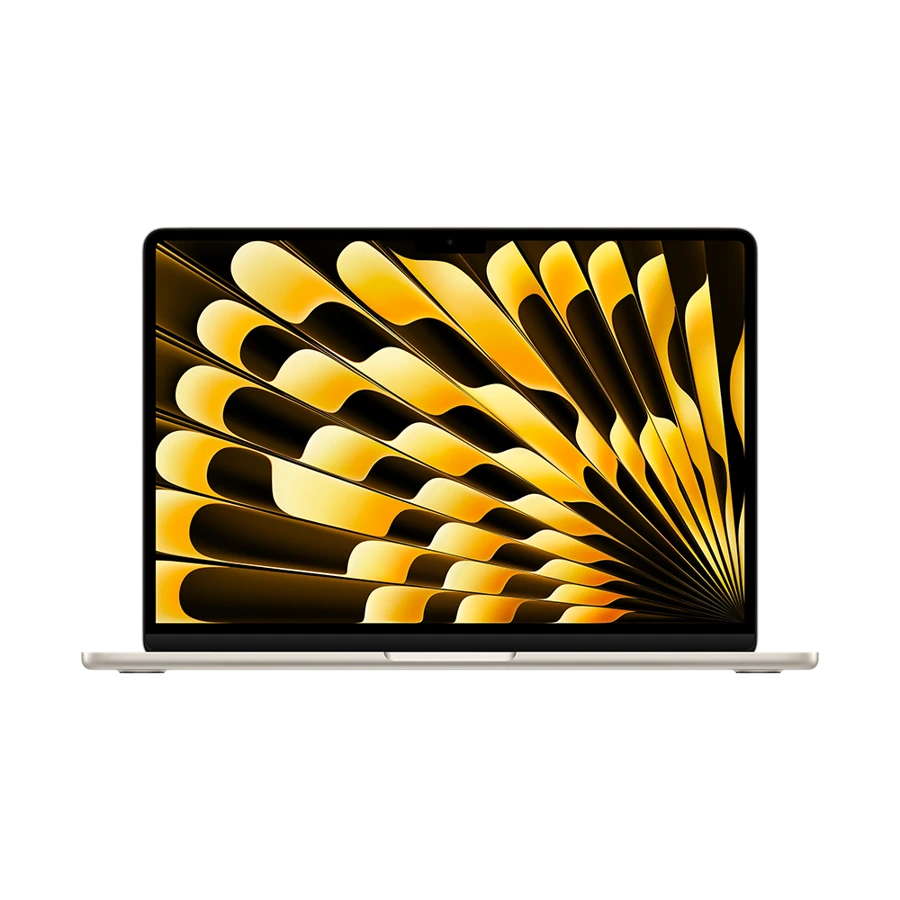
The 13-inch M5 Air is a comfortable match for a presenter who builds the deck in Keynote and edits it again at the hotel. The built-in display stays usable alongside external screens, and MagSafe charging leaves both Thunderbolt sockets free. That matters with a video adapter on one side of the setup and removable storage on the other.
A clean-looking slide can still change on a loaner PC if the deck relies on a particular font. Take a PDF for the slides that need exact typography, plus the original file for transitions and speaker notes. An HDMI adapter tested on your own Air is a more useful purchase here than a higher storage tier for the same presentation.
- What works
- Separate MagSafe power reduces competition between a display adapter and storage.
- What to weigh
- No native HDMI or USB-A. A PDF backup also loses animations and embedded interactions.
ASUS Zenbook A14 (UX3407)
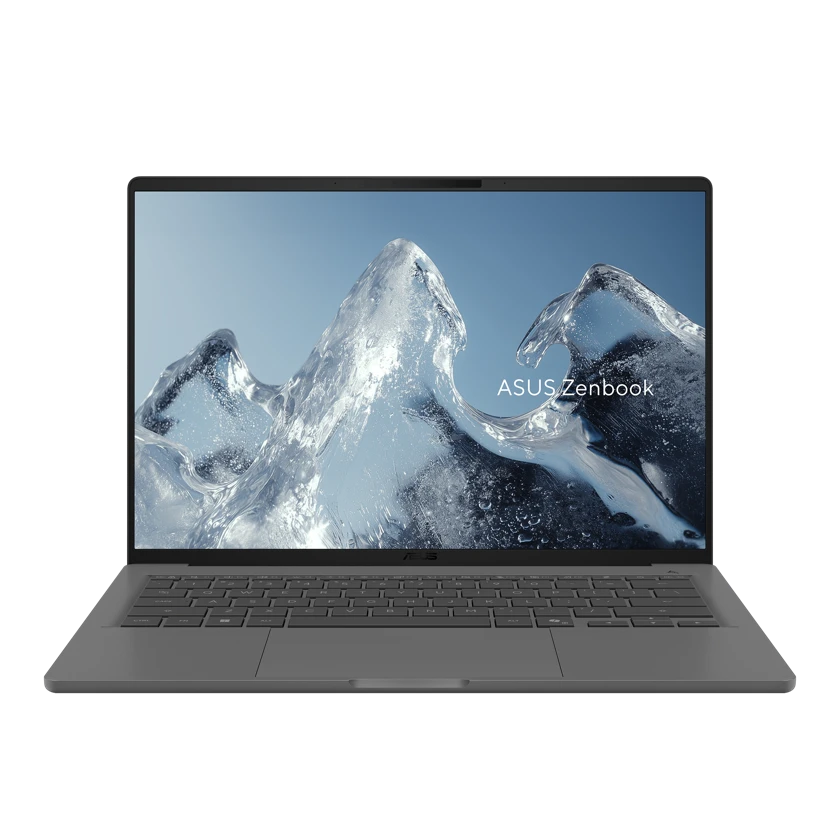
The Zenbook A14 UX3407 combines a 14-inch panel with native HDMI, USB-A and two USB4 sockets. It makes a particularly sensible shortlist for staff who present from a web app and sometimes receive an old clicker at reception. ASUS lists several configurations under the same family name, so record the SKU before comparing weight.
Its Snapdragon processor runs Windows on Arm. Microsoft distinguishes software emulation from hardware-driver support. Open your actual screen-sharing package and test the receiver used by your client before standardizing a team on this machine. A familiar desktop interface does not establish that a niche conference-room driver is available.
- What works
- Native legacy ports cover a familiar slide deck and receiver with a compact kit.
- What to weigh
- A client-mandated USB device or capture driver may require explicit Arm64 support.
Specifications at a glance
| Model | Listed weight | Screen | Platform | Wired connections |
|---|---|---|---|---|
| ThinkPad X1 Carbon Gen 13 | From 0.986 kg on select configurations | 14-inch, panel varies | Intel · Windows | HDMI, two USB-A, two Thunderbolt 4 |
| Yoga Slim 7i Ultra | From 0.975 kg | 14-inch OLED | Intel · Windows | Three Thunderbolt 4 |
| MacBook Air 13-inch (M5) | 1.23 kg | 13.6-inch IPS | Apple M5 · macOS | MagSafe 3, two Thunderbolt 4, headphone jack |
| Zenbook A14 | From 0.98 kg, SKU dependent | 14-inch OLED, SKU dependent | Snapdragon · Windows on Arm | HDMI, USB-A, two USB4 |
Weights are manufacturer figures for the specified configurations. Chargers, sleeves and separate keyboards add to the bag weight.
The five-minute setup that determines the recommendation
At the lectern, connect the display first and confirm that it shows a test slide. Set the laptop to extend the desktop if you want private notes. Play a short clip with speech, and confirm that the intended speakers receive the sound. Finally, advance two slides with the actual clicker while the laptop is charging. Each step isolates a different failure.
Our ranking uses the connector layouts in the manufacturer specifications. We give built-in HDMI more weight for unknown rooms than for an organization with standardized USB-C docks. We treat software and driver support as a separate decision from the shape of the plug.
Choose by the equipment in the room
Have a colleague photograph the end of the display cable and the clicker receiver. A photo usually resolves more uncertainty than a promise that the room is “laptop compatible.” Use the table to decide what goes into the pouch.
| Room equipment | Best starting point | Pack or confirm |
|---|---|---|
| HDMI lead and USB-A remote | ThinkPad X1 Carbon | Check the room audio path |
| USB-C display with power delivery | Yoga Slim 7i Ultra | Bring the known video-capable cable |
| HDMI room and Keynote deck | MacBook Air M5 | USB-C to HDMI adapter and PDF copy |
| Browser slides plus legacy projector | Zenbook A14 | Validate any special receiver driver |
Buying questions
Can an ordinary USB-C phone cable carry my slides?
Only if it supports the video mode required by the laptop and display. A cable that charges the laptop successfully has proved the power connection, not the video connection. Test the actual cable with a monitor before taking it across town.
Does a lightweight laptop need a built-in HDMI port?
For repeated visits to one equipped office, a tested dock is usually enough. Native HDMI is worth prioritizing when you regularly walk into unknown venues, have a tight changeover between speakers or need the smallest possible backup kit.
Sources and configurations
- Lenovo ThinkPad X1 Carbon Gen 13 Aura Edition platform specifications ↗
- Lenovo specifications for the Yoga Slim 7 Ultra 14IPH11 ↗
- Lenovo Yoga Slim 7i Ultra user guide ↗
- Apple 13-inch MacBook Air with M5 technical specifications ↗
- ASUS Zenbook A14 UX3407 U.S. configuration comparison ↗
- Microsoft guidance on Windows on Arm software and drivers ↗