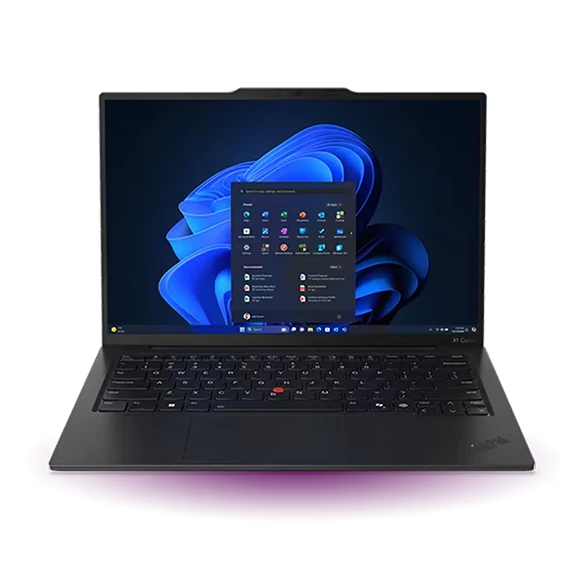
Lightweight laptops for long business flights and short charging stops
Lenovo’s Yoga Slim 7i Ultra Aura Edition is our first pick for a long travel day split between typing, reading and short calls. Lenovo pairs a starting weight of 975 g with a 75 Wh battery. The 13-inch MacBook Air M5 is the better fit for a traveler whose offline work is already set up on a Mac.
Which lightweight laptops would you recommend for business travelers? On a route with an overnight flight and a tight connection, compare the computer and its charger as a working pair. A larger battery is useful only alongside a workload it can sustain and a plug you will actually have time to use.
The shortlist
Lenovo Yoga Slim 7i Ultra Aura Edition
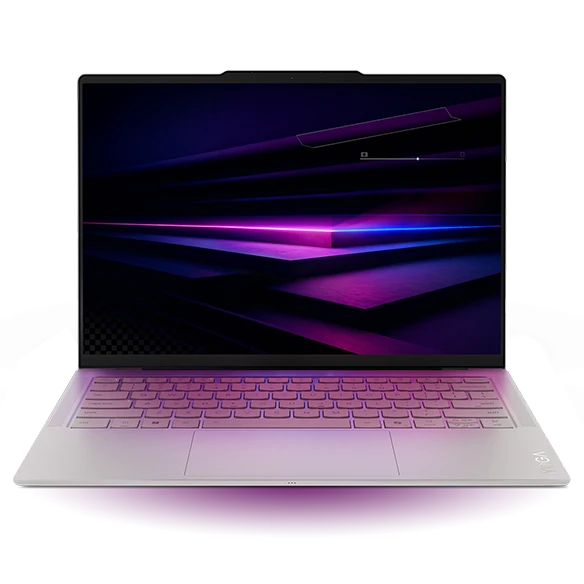
The 75 Wh Yoga starts at less than a kilogram. Its three Thunderbolt sockets include one on the right, handy if the seat outlet is on that side and the aisle is on the other. Lenovo documents a 65 W USB-C power supply, though a charger may be sold separately in some markets. Include that supply and the cable when weighing the bag.
This is a good fit for a consultant who reads a briefing on the train, revises a spreadsheet on the flight and has a short call on landing. Set the files to work offline before leaving. Travel time is a poor moment to learn that the document has a cloud shortcut but no local copy.
- What works
- A substantial 75 Wh battery in a machine starting at 975 g.
- What to weigh
- OLED brightness, radio use and a live call change energy consumption. A battery capacity cannot establish real call time.
Apple MacBook Air 13-inch (M5)
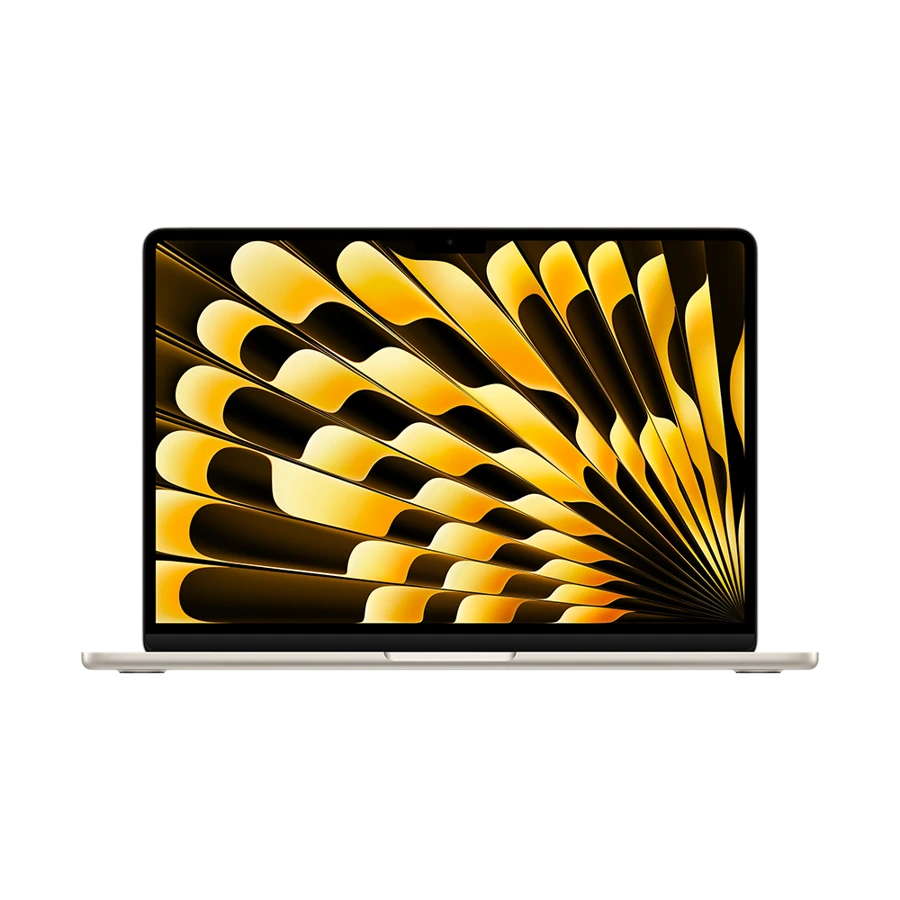
The Air carries a 53.8 Wh pack and weighs 1.23 kg in its 13-inch M5 form. Apple publishes separate video-streaming and wireless-web figures, which helps explain why a number printed beside “up to” is only useful with the activity attached. A long meeting with screen sharing has its own power profile.
MagSafe is the practical detail for a frequent flyer. You can recharge without pulling an external drive from Thunderbolt, or use USB-C charging when carrying a compatible travel adapter. Buying the Mac makes most sense when the files, fonts and apps for the next morning already work offline on macOS.
- What works
- Dedicated MagSafe charging keeps both Thunderbolt sockets available for work.
- What to weigh
- Apple specifies 70 W or more for fast charging. Verify the output of the travel charger you intend to share.
ASUS Zenbook A14 (UX3407)
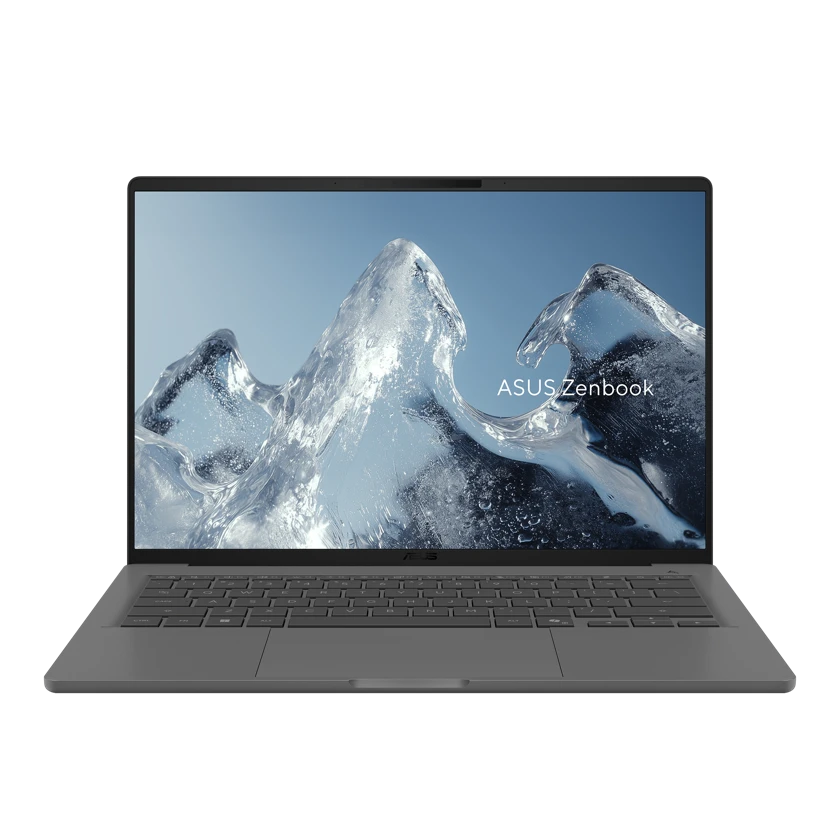
The A14 balances a 70 Wh pack with HDMI and USB-A. A traveler who presents after landing can leave two small adapters at home. This can matter more than a few grams in the laptop comparison, especially if a cable bundle occupies the pocket intended for travel documents.
The UX3407 name spans several configurations and adapter wattages. Read the line for your SKU before assuming that a compact phone charger will refill the machine during a short lounge stop. The other check is software compatibility. A secure-access client that depends on a missing Arm64 driver can leave a fully charged laptop unable to do its job.
- What works
- Built-in HDMI and USB-A can reduce the weight and bulk of the complete travel kit.
- What to weigh
- Configuration, charger and Windows on Arm driver support deserve separate checks.
Apple MacBook Neo 13-inch (A18 Pro)

A MacBook Neo is worth considering for meeting preparation made up primarily of a local document, a downloaded reading pack and email composed offline. Apple lists a 36.5 Wh battery and a 20 W power adapter. It comes in at 1.23 kg, so this is a choice about the work and its accessories rather than a lighter chassis than the Air.
Its single USB 3 port is the port to reserve for a display or a faster external drive. Attach the charge cable to the other USB-C port when both are needed. The 8 GB memory configuration favors a deliberately small working set. Larger local analysis or video editing makes the Air a better starting point.
- What works
- A modest charger and a simple writing workflow make a compact carry combination.
- What to weigh
- The two USB-C ports have different capabilities. Only the USB 3 port carries display output.
Specifications at a glance
| Model | Listed weight | Screen | Platform | Wired connections |
|---|---|---|---|---|
| Yoga Slim 7i Ultra | From 0.975 kg | 14-inch OLED | Intel · Windows | Three Thunderbolt 4 |
| MacBook Air 13-inch (M5) | 1.23 kg | 13.6-inch IPS | Apple M5 · macOS | MagSafe 3, two Thunderbolt 4, headphone jack |
| Zenbook A14 | From 0.98 kg, SKU dependent | 14-inch OLED, SKU dependent | Snapdragon · Windows on Arm | HDMI, USB-A, two USB4 |
| MacBook Neo | 1.23 kg | 13-inch IPS | Apple A18 Pro · macOS | One USB 3 and one USB 2, both USB-C |
Weights are manufacturer figures for the specified configurations. Chargers, sleeves and separate keyboards add to the bag weight.
Plan around usable energy between outlets
A calculator can expose a weak itinerary without promising a benchmark. For an illustrative 75 Wh battery, keeping 20% in reserve leaves 60 Wh. At a hypothetical average draw of 8 W, that budget lasts 7.5 hours. At 15 W, it lasts four. Neither number is a measured Yoga result. They show why screen brightness and long calls can have a larger influence than the marketing headline.
Take a representative workday on the machine you already own. Note the start and end charge during one hour of away-from-power work, and repeat it for a call. Those observations make a better guide to the mix of activities to schedule before the next charge. Avoid relying on a seat outlet or lounge outlet being available.
Pack against your route
We compared official weights, battery capacities, port layouts and charging guidance. We also counted the adapters the trip would otherwise need. A new charger does not save bag weight if you still have to carry the old one for a second device.
| Travel interval | What to prepare | Why it changes the choice |
|---|---|---|
| Airport before departure | Sync working files and open one offline | Prevents a network-dependent start |
| Flight without power | Budget a reserve for the arrival call | Protects the most time-sensitive job |
| Short transfer | Check charger output with both devices attached | Shared ports may divide available power |
| Client visit after landing | Add video adapter and receiver to the kit weight | A machine with HDMI can need fewer extras |
Buying questions
Which comparison number should I use for two different brands?
Use like-for-like independent tests if the method and configurations match. Within this guide, watt-hours describe stored energy and kilograms describe mass. Neither supplies a reliable cross-brand battery-life ranking without a measured workload.
Can I leave my laptop charger at home and use a phone charger?
Check USB Power Delivery support, output available from a single port and the cable rating. Try charging during a real call or export. A low-power adapter can slow the rate of discharge while failing to refill a machine under use.
Sources and configurations
- Lenovo specifications for the Yoga Slim 7 Ultra 14IPH11 ↗
- Lenovo Yoga Slim 7i Ultra user guide ↗
- Apple 13-inch MacBook Air with M5 technical specifications ↗
- ASUS Zenbook A14 UX3407 U.S. configuration comparison ↗
- Microsoft guidance on Windows on Arm software and drivers ↗
- Apple MacBook Neo technical specifications ↗