Lightweight laptops for remote video calls from hotels and shared offices
The MacBook Air M5 is our pick for a Mac-based worker who takes meetings in a different room every week. A 12 MP Center Stage camera, a headphone jack and separate MagSafe charging combine well on a cramped hotel desk. On Windows, the Lenovo Yoga Slim 7i Ultra is our lighter-starting option for a USB-C headset and camera setup.
Best lightweight laptops for business travel and remote work is a broad brief. For this comparison, the deciding moment is narrower. A customer calls from a quiet office while you join from a shared workspace, show a document and need to be heard clearly without broadcasting the other side of the conversation.
The shortlist
Apple MacBook Air 13-inch (M5)
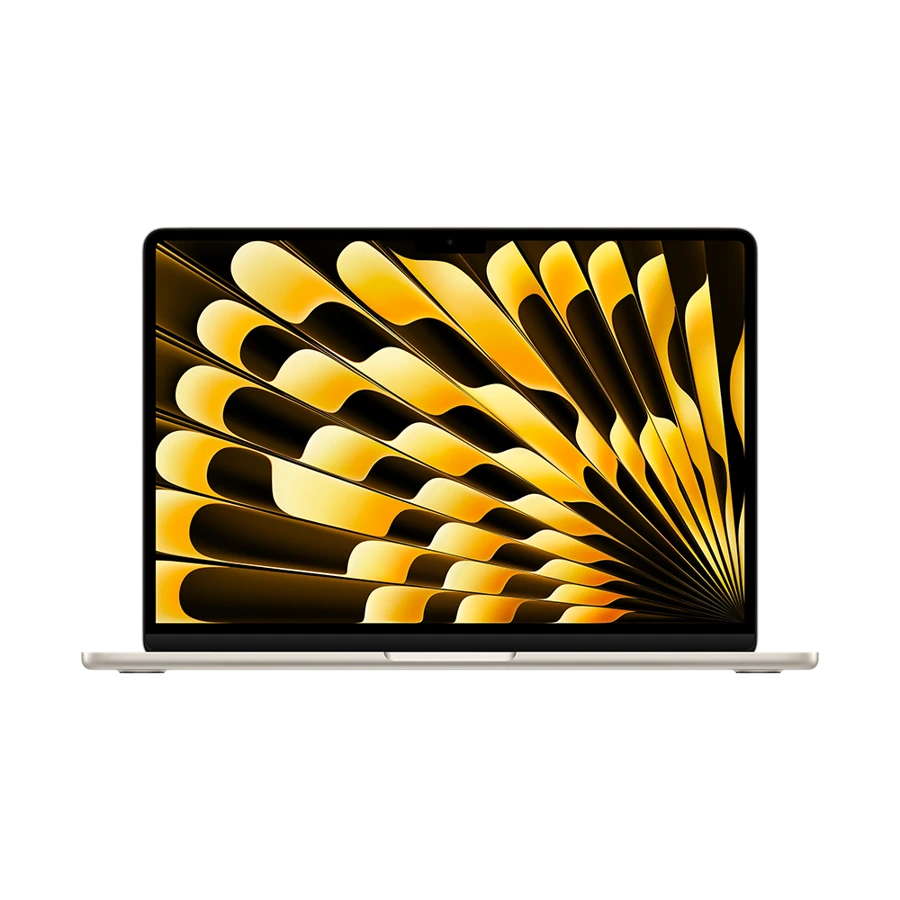
Center Stage can help frame a speaker who moves slightly during a call. Apple specifies a 12 MP camera and 1080p video recording for this Air. Those are different measurements. The former gives the imaging system room to frame the picture, while the meeting service, software settings and connection determine what colleagues actually receive.
A wired headset fits the 3.5 mm jack and power goes to MagSafe, leaving both Thunderbolt ports free for a display or drive. That separation is useful before a demonstration. You can connect the screen for slide notes without disturbing the microphone the meeting application already selected.
- What works
- A flexible combination of camera framing, analog headset support and separate charging.
- What to weigh
- Backlighting from a bright window still needs attention, and a second camera may be a better view for a physical demo.
Lenovo Yoga Slim 7i Ultra Aura Edition
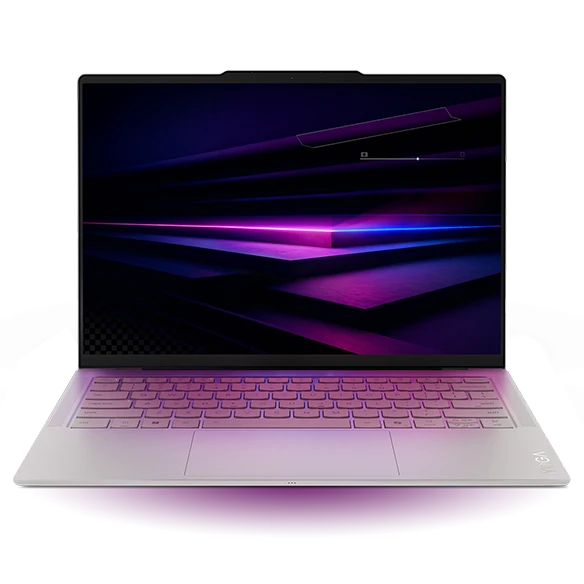
The Yoga Slim 7i Ultra uses a 5 MP camera, electronic shutter and four microphones according to Lenovo’s datasheet. The useful combination is the shutter plus three Thunderbolt sockets. One can take power, one a USB headset and one an external camera or display adapter. Windows compatibility with the company’s meeting software can then be evaluated on the exact configuration.
Try a conversation with the headset on before choosing the internal array. In a shared room, the microphone close to your mouth may be the important upgrade, and headphones keep the customer’s side out of the room. A 3.5 mm-only headset needs a compatible USB audio adapter on this port layout.
- What works
- Power, USB audio and one other wired accessory can stay connected together.
- What to weigh
- Headphones with an analog plug need an adapter, so add it to the travel pouch.
Lenovo ThinkPad X1 Carbon Gen 13 Aura Edition
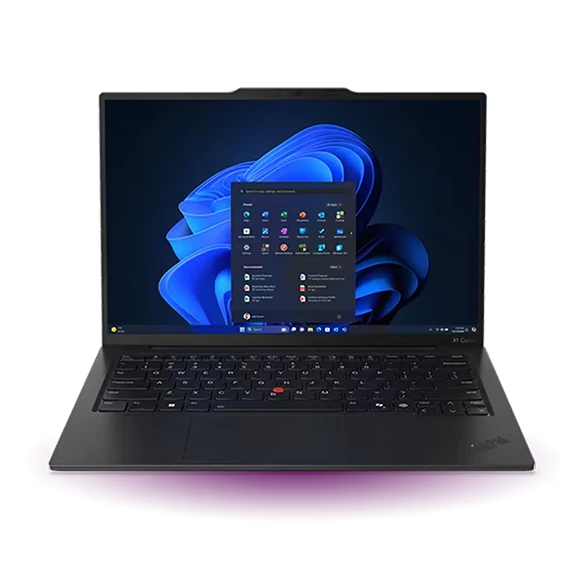
The X1 Carbon has native HDMI and USB-A plus an analog headset jack. The arrangement is handy if you are usually alone but occasionally run a hybrid meeting for a group. Connect the room display by HDMI and the room speakerphone by USB-A, then explicitly choose that device for input and output in the meeting app.
Lenovo lists more than one camera option for this generation, including FHD and higher-resolution configurations. Do not let a reseller’s photograph settle which one you are buying. Get the orderable part number and check the specification attached to it. A privacy shutter is particularly helpful when the laptop remains open at a shared desk between calls.
- What works
- Room display and USB speakerphone can connect without spending a Thunderbolt port.
- What to weigh
- Camera hardware varies within the family. Check the ordered unit before comparing video features.
Apple MacBook Neo 13-inch (A18 Pro)
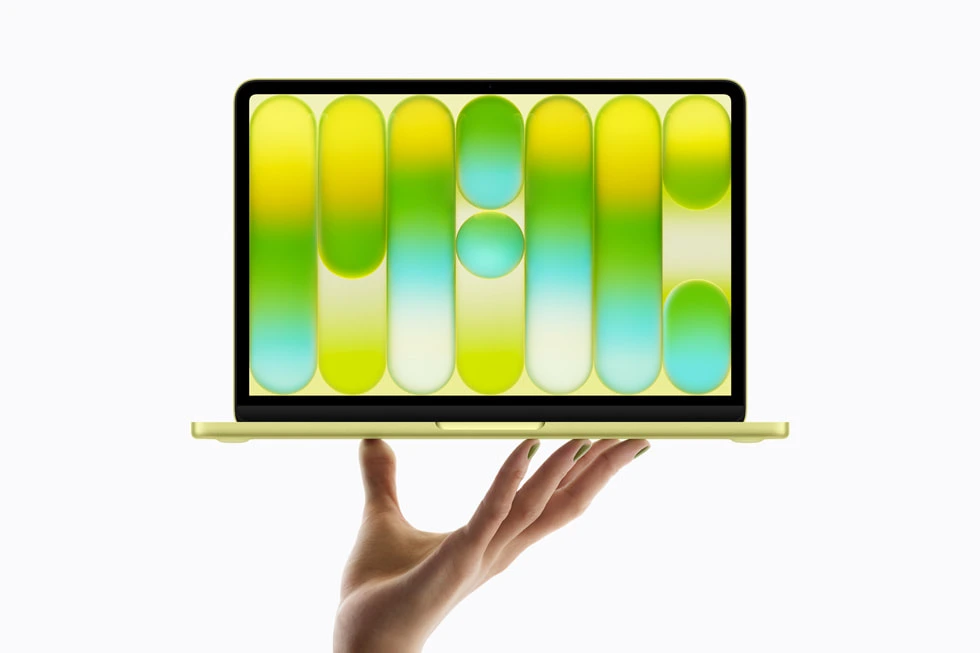
Apple specifies a 1080p FaceTime HD camera and a headphone jack on the Neo. For a one-to-one call from a quiet guest room, a simple setup has real advantages. Connect a headset, use a lamp in front of you and leave the charger in place. A better-lit face and clear speech are more actionable purchasing goals than a vague “video-ready” badge.
If one screen holds the call and another holds a deck, the Neo supports one external panel up to 4K at 60 Hz. Use the USB 3 port for that monitor. Concurrent virtual backgrounds, a very large deck and several work apps make the 8 GB model a machine to try with your normal session before choosing it for daily client work.
- What works
- A simple webcam, wired headphone socket and external-screen option cover ordinary calls.
- What to weigh
- For extended multitasking and two external monitors, the Air provides more headroom.
Specifications at a glance
| Model | Listed weight | Screen | Platform | Wired connections |
|---|---|---|---|---|
| MacBook Air 13-inch (M5) | 1.23 kg | 13.6-inch IPS | Apple M5 · macOS | MagSafe 3, two Thunderbolt 4, headphone jack |
| Yoga Slim 7i Ultra | From 0.975 kg | 14-inch OLED | Intel · Windows | Three Thunderbolt 4 |
| ThinkPad X1 Carbon Gen 13 | From 0.986 kg on select configurations | 14-inch, panel varies | Intel · Windows | HDMI, two USB-A, two Thunderbolt 4 |
| MacBook Neo | 1.23 kg | 13-inch IPS | Apple A18 Pro · macOS | One USB 3 and one USB 2, both USB-C |
Weights are manufacturer figures for the specified configurations. Chargers, sleeves and separate keyboards add to the bag weight.
Set up the room in the order the caller experiences it
Begin with speech. Make a short recording on the headset and on the internal microphones with the air conditioner running. Listen at normal volume. Then place the laptop so the brightest window is in front or to the side. Position the camera where you can read notes without looking far away from the audience. A few books beneath the laptop may help, provided the base and vents remain unobstructed.
Finally start a test call in the employer-approved app. Share the intended window, play a short clip if needed and confirm the selected microphone again after connecting the monitor. Microsoft’s caption guidance also notes that distance from the microphone and background noise affect accuracy. The person at the far end can often identify an audio problem that a local camera preview will miss.
Choose according to the call you actually host
We ranked physical audio connections, camera options and remaining ports after power is connected. This is a specification and workflow comparison. It does not assign a camera-quality ranking from different makers’ pixel counts.
| Your meeting | Useful starting point | Check in a rehearsal |
|---|---|---|
| Solo call with wired headset | MacBook Air M5 | Microphone selection and camera framing |
| USB headset plus external camera | Yoga Slim 7i Ultra | Remaining port with charger plugged in |
| Occasional group in a meeting room | ThinkPad X1 Carbon | Speakerphone input and output route |
| One-to-one call and one screen | MacBook Neo | Correct USB-C display port and working set |
Buying questions
Is a higher megapixel count a reason to switch laptops for calls?
Only after considering lens placement, framing, background lighting, app settings and the network. A camera specification describes the capture hardware. Ask a colleague to compare the sound and picture during the type of meeting you actually host.
Will noise suppression protect a private conversation in a shared office?
It may reduce some background sound for remote participants. It does not make your own voice private to people sitting nearby. For confidential work, use an appropriate room and the employer’s approved meeting arrangements.
Sources and configurations
- Apple 13-inch MacBook Air with M5 technical specifications ↗
- Lenovo specifications for the Yoga Slim 7 Ultra 14IPH11 ↗
- Lenovo Yoga Slim 7i Ultra user guide ↗
- Lenovo ThinkPad X1 Carbon Gen 13 Aura Edition platform specifications ↗
- Apple MacBook Neo technical specifications ↗
- Microsoft Teams guidance on captions and microphone placement ↗