Lightweight laptops for a two-monitor home desk and a phone hotspot on the road
Pick the Lenovo Yoga Slim 7i Ultra Aura Edition if the home desk uses a compatible Thunderbolt dock and the travel kit uses USB-C. Choose the 13-inch MacBook Air M5 for a Mac desk with two verified external displays. When your work routinely involves a borrowed HDMI lead and a USB-A accessory, the ThinkPad X1 Carbon Gen 13 is the more convenient departure-day machine.
Best lightweight laptops for business travel and remote work means more than finding a small computer. This guide follows a handover from a fully equipped home desk to a phone-backed connection at a hotel, then back to the desk without unplugging the wrong drive or buying an unnecessary dock.
The shortlist
Lenovo Yoga Slim 7i Ultra Aura Edition
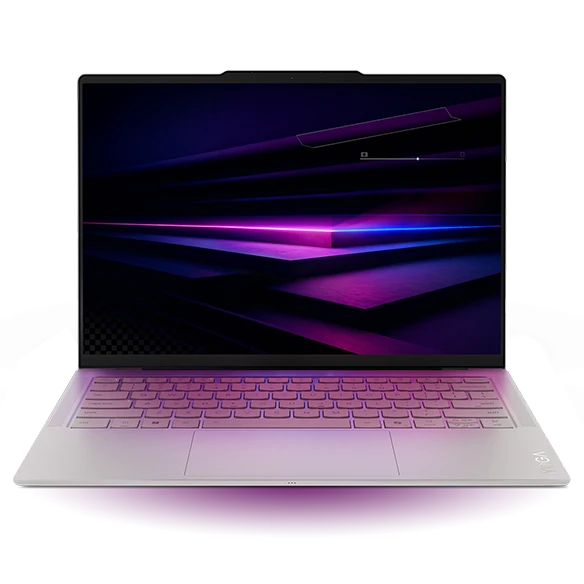
The Yoga has two Thunderbolt 4 sockets on the left and one on the right. A powered dock can occupy one side without blocking every connection. You can place an external backup drive on a separate port and unplug it independently. That physical separation is useful when a desk stays assembled for months but the laptop leaves every Thursday.
Read the dock maker’s compatibility table for the screen arrangement you require. Two 4K panels at a target refresh rate call for a model-specific check of the dock, host, cables and monitors. “Dual display” on the box does not identify the resolution, refresh rate or host operating systems used to reach that claim.
- What works
- Three flexible ports allow the home dock and a separate travel accessory to coexist.
- What to weigh
- Choose a dock with the necessary power delivery and tested display outputs. Count that cost alongside the laptop.
Apple MacBook Air 13-inch (M5)
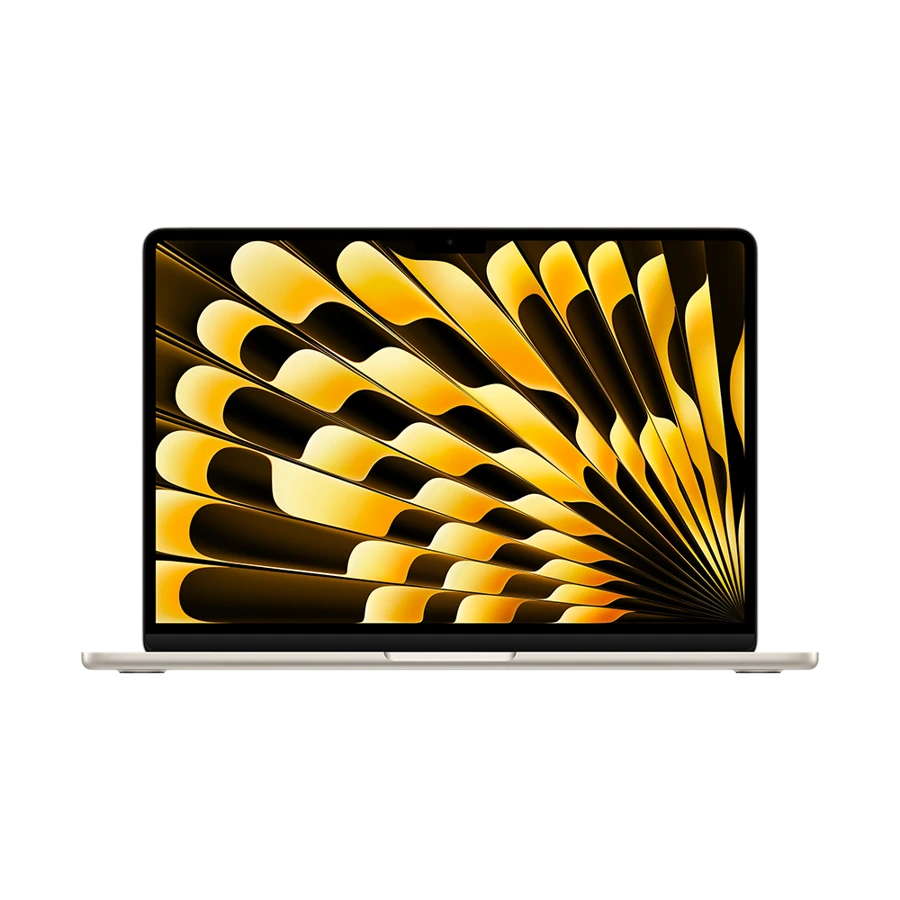
Apple specifies that the 13-inch M5 Air supports its internal display plus up to two external monitors, with supported combinations including two 6K displays at 60 Hz. A compatible Thunderbolt arrangement can carry two displays through one port. Check the actual dock for Mac support before treating a two-HDMI-output label as proof that you can extend the desktop to both.
For a direct setup, select a monitor connection for each Thunderbolt port and use MagSafe for charging. This removes a dock as a troubleshooting variable. The trade-off is that a USB drive or wired network adapter needs another path, such as a supported hub in the monitor. Draw that small connection map before ordering.
- What works
- The official display specifications explicitly cover two external screens with the internal panel active.
- What to weigh
- Two direct monitor cables use both Thunderbolt sockets. Plan where storage and Ethernet will attach.
Lenovo ThinkPad X1 Carbon Gen 13 Aura Edition
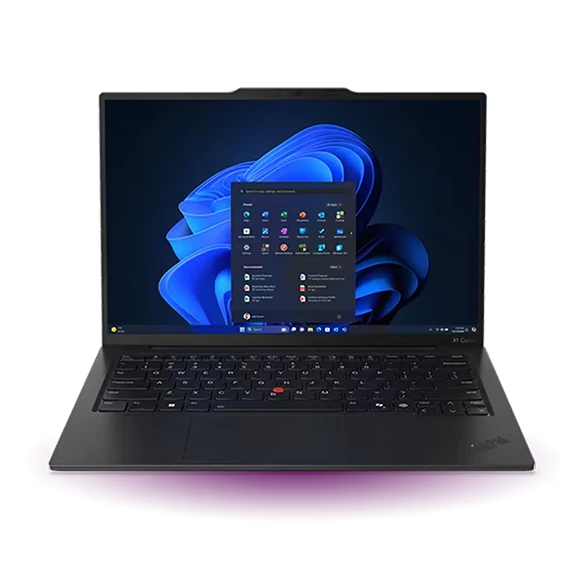
The ThinkPad’s built-in HDMI makes a useful boundary between home and travel. Keep the main dock at home and connect a hotel or client screen directly by HDMI. Two USB-A ports accept an existing headset receiver and a wired-access dongle, while the Thunderbolt sockets remain available for power and an additional display.
Some Gen 13 configurations offer mobile broadband. Check the exact model and carrier before buying a laptop for that feature. A family listing that mentions a SIM slot does not give every configuration a modem or active cellular service. If a phone hotspot already covers most trips, put that plan through a real failover test first.
- What works
- Native HDMI and USB-A provide a practical fallback when the permanent dock stays behind.
- What to weigh
- Cellular hardware and service are configuration- and carrier-dependent. Verify the full order.
Apple MacBook Neo 13-inch (A18 Pro)
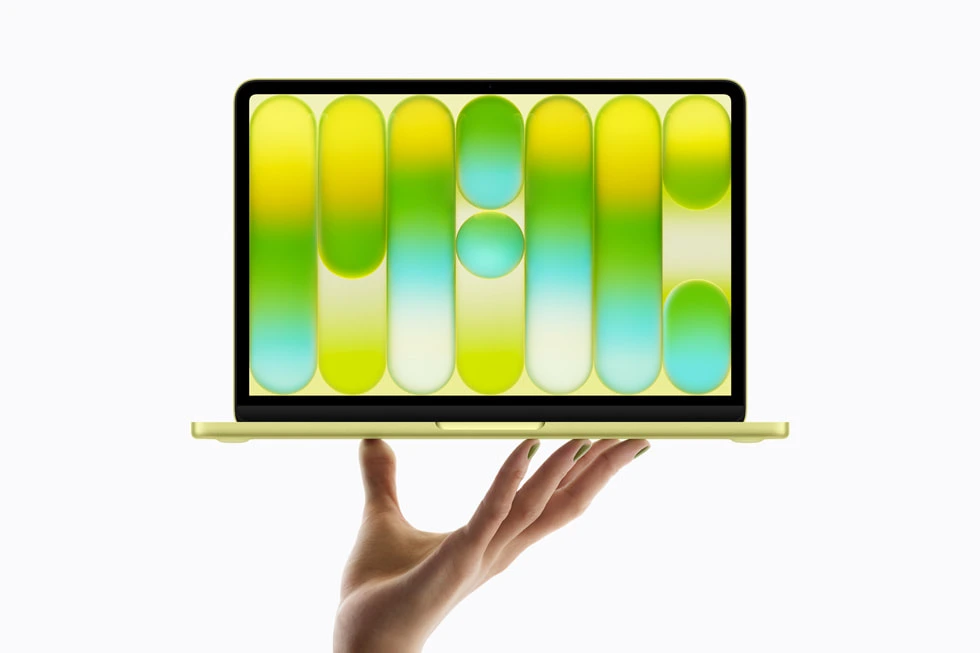
The Neo is a helpful boundary case. Apple lists native support for one external screen up to 4K at 60 Hz from the USB 3 port. That is sufficient if your home desk has one large monitor and the laptop screen serves as the second workspace. A dock with more video sockets does not raise Apple’s native display limit.
For an offline writing day, the machine is easy to move. Plug the monitor into the correct USB-C socket, attach power to the other and define how the phone will provide a backup connection. If your job routinely depends on two independent external monitors, choose an Air or a Windows model with a verified dock arrangement instead.
- What works
- An uncomplicated fit for one large external display plus the built-in panel.
- What to weigh
- One native external monitor is the ceiling, and only one USB-C port handles video.
Specifications at a glance
| Model | Listed weight | Screen | Platform | Wired connections |
|---|---|---|---|---|
| Yoga Slim 7i Ultra | From 0.975 kg | 14-inch OLED | Intel · Windows | Three Thunderbolt 4 |
| MacBook Air 13-inch (M5) | 1.23 kg | 13.6-inch IPS | Apple M5 · macOS | MagSafe 3, two Thunderbolt 4, headphone jack |
| ThinkPad X1 Carbon Gen 13 | From 0.986 kg on select configurations | 14-inch, panel varies | Intel · Windows | HDMI, two USB-A, two Thunderbolt 4 |
| MacBook Neo | 1.23 kg | 13-inch IPS | Apple A18 Pro · macOS | One USB 3 and one USB 2, both USB-C |
Weights are manufacturer figures for the specified configurations. Chargers, sleeves and separate keyboards add to the bag weight.
Rehearse a network handover without losing the work
Save the document first. Disconnect the primary network, enable your phone’s permitted hotspot and open the exact service used for work. Check the corporate VPN, a short call and a small file transfer. Rejoining Wi-Fi proves less than reopening a protected document. If the backup uses USB tethering, test the cable for data as well as power. Apple notes that Windows users need Apple Devices or iTunes installed for iPhone USB tethering.
Keep offline copies only where your employer allows them. A cellular backup usually shares the phone’s coverage and data plan, so it cannot solve every outage. Its value is having one practical, tested alternative to hotel Wi-Fi. In a place with poor cellular coverage, a wired Ethernet path through a known adapter may be the more reliable fallback.
Map the desk before buying the dock
Write down the input on each monitor, the target resolution and refresh rate, required host power, and every peripheral that stays on the desk. Test sleep and wake with the lid in the position you plan to use. Then run through departure once, including ejecting removable storage before separating the dock.
| Component | Check against the actual setup | Common buying mistake |
|---|---|---|
| Two external monitors | Native host display support and dock compatibility | Counting sockets rather than independent screens |
| Power | Output delivered to this laptop under load | Reading only the power-brick total |
| Backup internet | VPN, phone plan and tethering method | Testing public browsing alone |
| Leaving the office | Location of the last local backup | Unplugging a drive during an active transfer |
Buying questions
Does a two-port HDMI dock guarantee two independent desktops?
No. The host graphics outputs, dock architecture, operating system and cables have to support the same arrangement. Check for the exact host or an explicit manufacturer support statement at the desired monitor resolution and refresh rate.
Is an integrated cellular modem necessary for travel?
It is useful if your employer supplies an approved plan and you frequently need instant connectivity. For occasional trips, a tested phone connection may cover the same meeting. Decide using actual carrier coverage and policy at the places you visit.
Sources and configurations
- Lenovo specifications for the Yoga Slim 7 Ultra 14IPH11 ↗
- Lenovo Yoga Slim 7i Ultra user guide ↗
- Apple 13-inch MacBook Air with M5 technical specifications ↗
- Lenovo ThinkPad X1 Carbon Gen 13 Aura Edition platform specifications ↗
- Apple MacBook Neo technical specifications ↗
- Apple guide to sharing an iPhone internet connection ↗