USB-C Travel Chargers Compared: Power, Ports and Laptop Compatibility
A good travel charger is the one that can power the devices you actually carry in the arrangement you intend to use. Counting USB-C sockets or choosing the largest wattage on the box is only a starting point. A laptop charging alone, a laptop beside a phone and three devices charging overnight can receive different allocations from the same adapter.
Build the comparison around a simple device list. Record each device's charging requirements, the cables already in your bag and which items need power at the same time. Then read the charger manufacturer's output table against that list. The goal is a compact, documented arrangement that works during a short charging break as well as at an overnight desk.
Start with the laptop's accepted charging arrangement
Find the computer manufacturer's charging guidance for the exact model. Record the relevant connector, recommended adapter and any separate requirements for faster charging. USB-C describes a connector used by many products; it does not establish that every laptop or port accepts the same power input. Avoid relying on a seller's broad compatibility list when the manufacturer's manual provides a more precise answer.
Apple's documentation for the 13-inch M4 MacBook Air, for example, lists different included power adapters and identifies a 70W adapter for fast charging. That distinction demonstrates why ordinary operation and a particular fast-charge claim should be evaluated separately. A charger that is useful overnight may not reproduce a manufacturer's short-break charging result with a different cable or shared-port arrangement.
Read total output and port output as different numbers
The charger specification should distinguish its total available output from the maximum on an individual socket. Look for separate rows describing one, two and three devices connected. Port labels matter: connecting a laptop to the second USB-C socket may produce a different result from connecting it to the first, even when the connectors look identical.
Anker's published specification for the 735 Charger, model A2667, makes the difference visible. Either USB-C port is listed at up to 65W when used alone. With both USB-C ports in use, the stated allocation is up to 45W and 20W. The three-port arrangement lists up to 40W, 12W and 12W. These are the manufacturer's maxima for that model, not measured output from our own testing.
| Anker A2667 connection arrangement | Published maximum allocation | Question for a laptop traveler |
|---|---|---|
| One USB-C port | Up to 65W | Does the laptop accept the available output profile? |
| USB-C1 and USB-C2 | Up to 45W + 20W | Is the laptop's shared-port allocation sufficient during use? |
| USB-C1, USB-C2 and USB-A | Up to 40W + 12W + 12W | Would staggering charging make the routine more practical? |
Compare shared charging against a real schedule
A small adapter can be sufficient if your devices do not need their highest charging rates simultaneously. Conversely, a charger with several sockets may be inconvenient when the laptop must recover charge quickly while a phone is connected. Write down two or three common situations: laptop alone between meetings, laptop and phone at a desk, and several devices charging while you sleep.
Apple's guidance for its 35W Dual USB-C Port Power Adapter explains that a Mac laptop and an iPhone or iPad can each receive up to 17.5W when connected together. That is a different arrangement from the Anker example, rather than a direct performance ranking. Compare both against the same device requirements. If your working laptop needs more than the available shared allocation, charging the phone later may be simpler than carrying a larger adapter.
| Travel situation | Useful specification | Possible buying priority |
|---|---|---|
| Short break with laptop alone | Single-port profile and suitable cable | A documented charging combination for the computer |
| Laptop and phone during work | Two-port allocation | Enough sustained power for the intended workflow |
| Several devices overnight | Three-port allocation and device compatibility | A convenient complete routine rather than peak speed |
| Two people sharing a desk | Allocation to both laptops | Two suitable laptop outputs instead of one high headline total |
Treat the cable as part of the product choice
Record the cable's power capability, length and intended purpose. The USB Implementers Forum explains that certified USB-C cables can have different capabilities and that selecting a certified cable does not increase the capabilities of connected products. Its cable certification guidance distinguishes power markings from data-rate markings. A charging cable is therefore not automatically the right cable for a fast external drive or a display arrangement.
Keep the reasoning in order: the laptop must accept the charging arrangement, the charger must provide it, and the cable must support the required connection. A higher-rated cable is useful when that capability is needed, but its label cannot force a laptop to charge faster. Label the cables you carry so that a charging lead is not repeatedly mistaken for a full-featured connection cable in a meeting room.
Understand what USB Power Delivery does and does not promise
USB-IF describes USB Power Delivery as a system that supports flexible power management, allowing connected devices to request the power they need. Its documentation includes power levels up to 240W within the extended capabilities of the standard. That upper limit describes the technology's scope; it is not a promise that every USB-C charger, cable or laptop implements that output.
For a purchasing decision, the practical evidence is the exact adapter's listed output profiles and the device manufacturer's requirements. Match any protocol-specific charging claim to the relevant device and cable. Treat a diagram that says only 'fast charging' as an invitation to find the detailed specification. When documentation is incomplete, a clearly specified alternative is easier to evaluate than a higher number without a usable compatibility record.
Check the physical travel arrangement
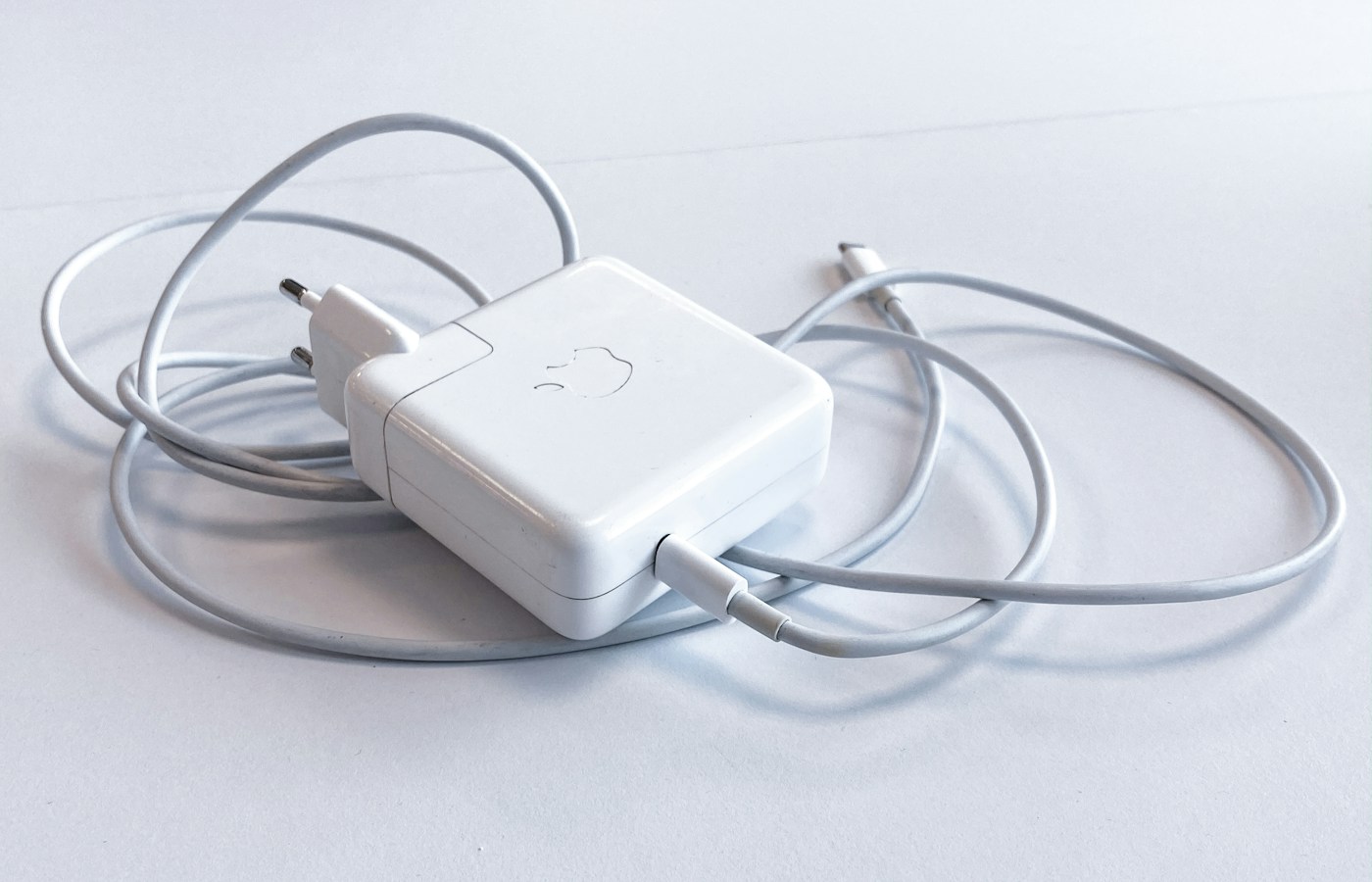
Look at the adapter's input label and the plug arrangement for the places you will use it. Record the supported input voltage and frequency, and check the instructions for any removable plug components. Keep plug fit and voltage compatibility as separate checks. A physically convenient connector does not, on its own, establish an appropriate electrical arrangement for the adapter.
Consider the cable route from the available socket to your laptop. A large wall adapter may be awkward beside another plug; a short cable may pull the computer toward the edge of a small desk. Compare the packed dimensions with the shape of your accessories pouch, including any separate plug adapter. The relevant size is the kit you will carry, not the charger's photograph viewed in isolation.
Choose a documented routine, then test it before departure
Lay out the selected charger, cables and devices in the exact port combination you intend to use. Confirm that each device reports charging, then use the laptop for a representative task. Compare the observed behavior with the manufacturer's stated allocation and the computer's charging guidance. This is a compatibility check for your own arrangement, not a laboratory measurement of efficiency or a certification test.
Keep a brief record of which device goes into each port and which cable belongs to the laptop. If a brief charging break matters, test that routine too rather than assuming an overnight result answers the same question. Choose the smallest well-documented package that covers your simultaneous charging needs, and keep the original requirements with it so a replacement cable or charger can be evaluated consistently.
What to take into your shortlist
Read single-port output, shared power and cable ratings together to choose a travel charger that fits your laptop and the other devices in your bag.
- A charger's total wattage is different from the output available to each connected device.
- Read the power-allocation table for the exact port combination you intend to use.
- Match the laptop, charger and cable together, including the required charging protocol and the charger's input and plug arrangement.